
More teams publishing.
One Drupal foundation.
Give marketing and regional teams the freedom to build pages inside the platform your organization already trusts. DXPR Builder adds visual editing to your existing Drupal site.
Your next campaign shouldn’t require a platform migration.
You have already invested in content types, integrations, access rules and a design system. Make that investment easier for the people creating the pages to use.
Keep your Drupal site
Add DXPR Builder to the content where visual editing will help. Start with one campaign or one department.
Give editors a starting point
Turn a page or section into a shared template. Set the available elements for each Drupal role.
Keep your team in the loop
Let authors create and reviewers review. Validate the publishing path against your own Drupal configuration.
Autonomy for marketing.
Control for the web team.
The right boundary is between everyday content work and changes that need a developer.
A familiar place to work
Editors create pages in Drupal, using its media library and content. There is no separate landing-page platform to maintain.
A shared design language
Reuse team templates, restrict available elements by role and protect selected content from editing.
Room for your architecture
Use Drupal Blocks and Views inside pages. Keep custom development with the team that knows your systems.
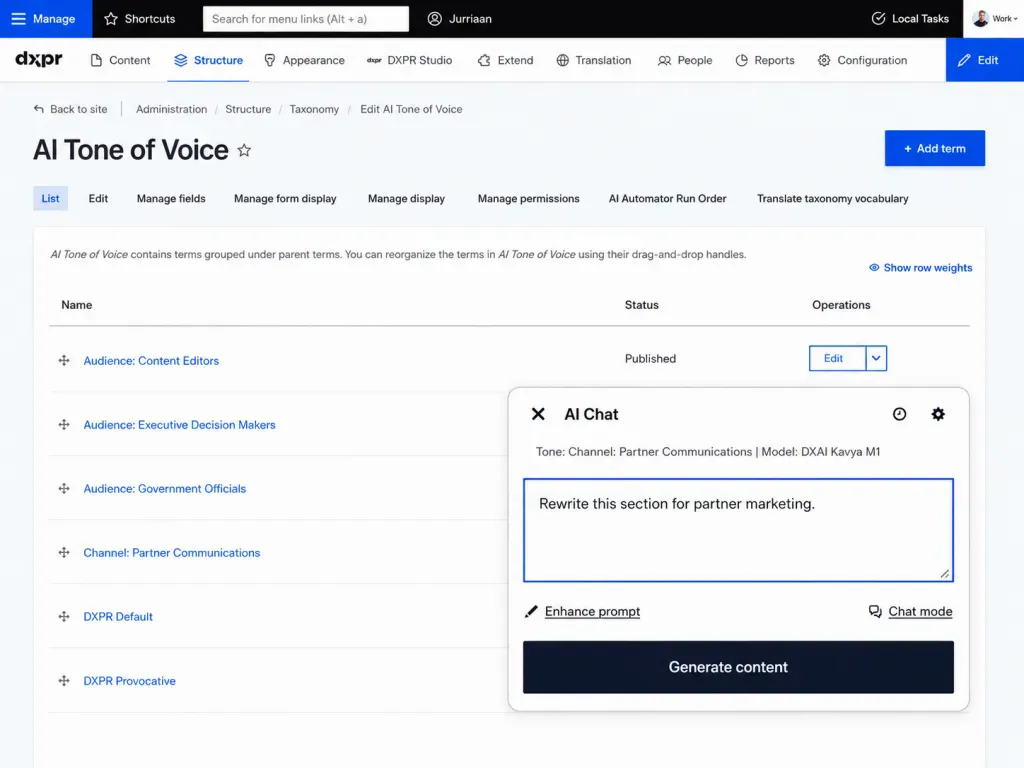
Brand tone managed in Drupal, alongside the rest of your content configuration.

Different teams. A shared way to publish.
A department knows its audience. Marketing knows the brand. The web team knows the platform. Give each a clear part in getting the page ready.
Build the rollout around those responsibilities: who creates the draft, who reviews it and who publishes. Bring that real working relationship into your Drupal evaluation.
Put your workflow through its paces.
A meaningful evaluation uses your real roles, languages and content—not just a blank demo page.
Bring the page that always gets stuck.
A campaign with multiple reviewers. A product page using multilingual Drupal publishing. A department site waiting on the central web team. Select a control to see the screen your evaluators will judge.
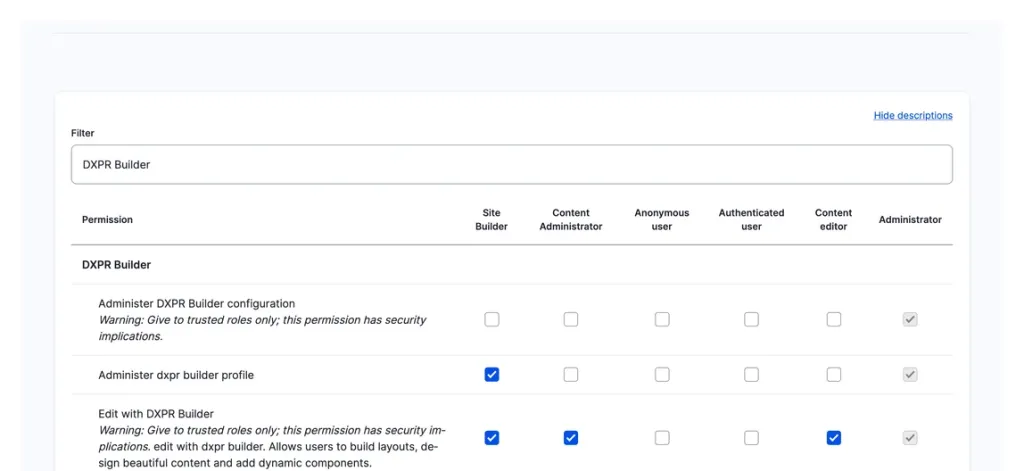
Grant Edit with DXPR Builder per role and evaluate author, reviewer and publisher access on real accounts.
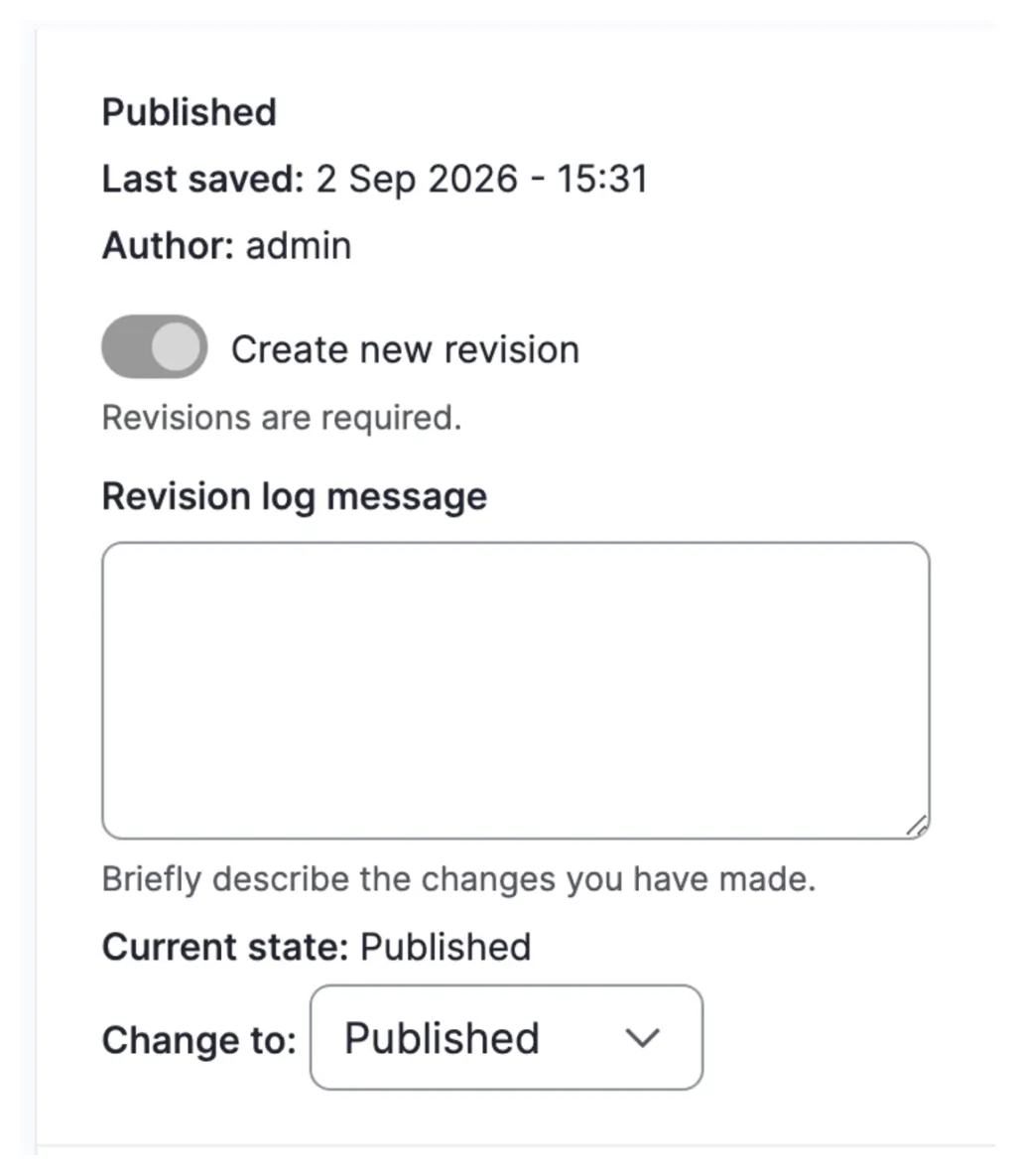
Walk a page through moderation states beside its revision log, on your Content Moderation or Workbench setup.
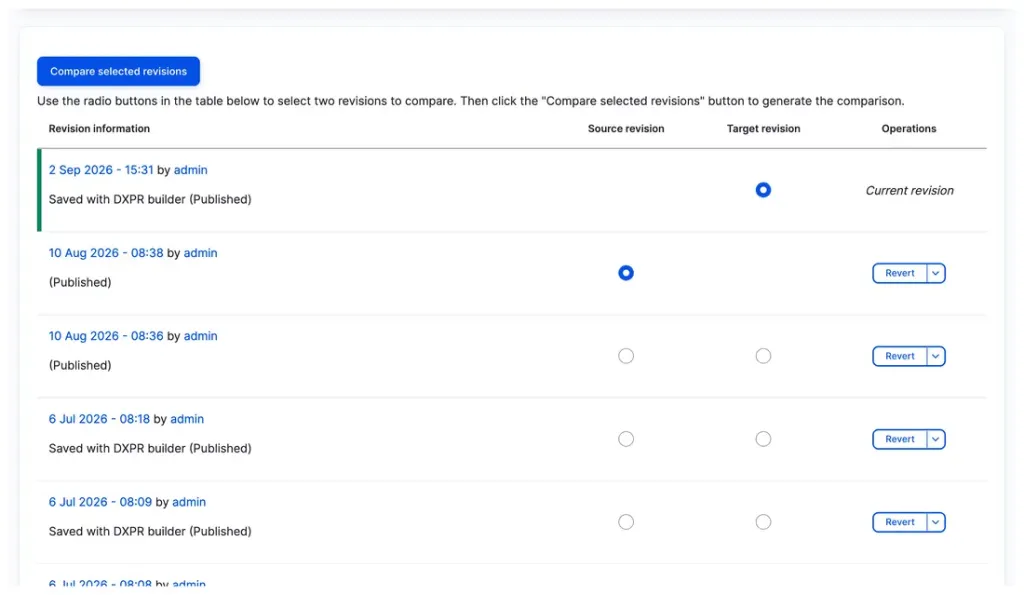
Every save lands in revisions with author and time, and rolls back cleanly. The trail your reviewers ask for already exists.
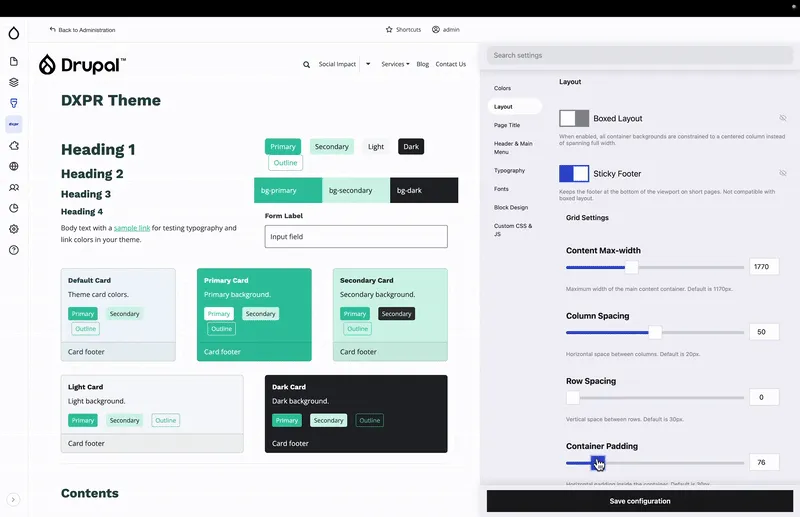
Brand rules live in one settings dashboard, so the pilot pages you build already prove the standards you will enforce.
For legal, defense and medical infrastructure teams
Strict AI requirements.
A familiar editing workflow.
Keep DXPR Builder’s built-in AI features switched off and use an agent connected to your organization’s approved private model. DXPR Agent Skills let the agent build pages through the Drush CLI, with your editors reviewing and refining the results in DXPR Builder.
Before you decide.
Make your next launch the pilot.
Bring marketing and your Drupal team to the same conversation. We’ll explore how DXPR Builder fits the site you already run.