
DXPR Builder includes 22 content elements and 6 layout elements for building pages. Each element serves a specific purpose, from simple text and images to interactive counters and carousels.
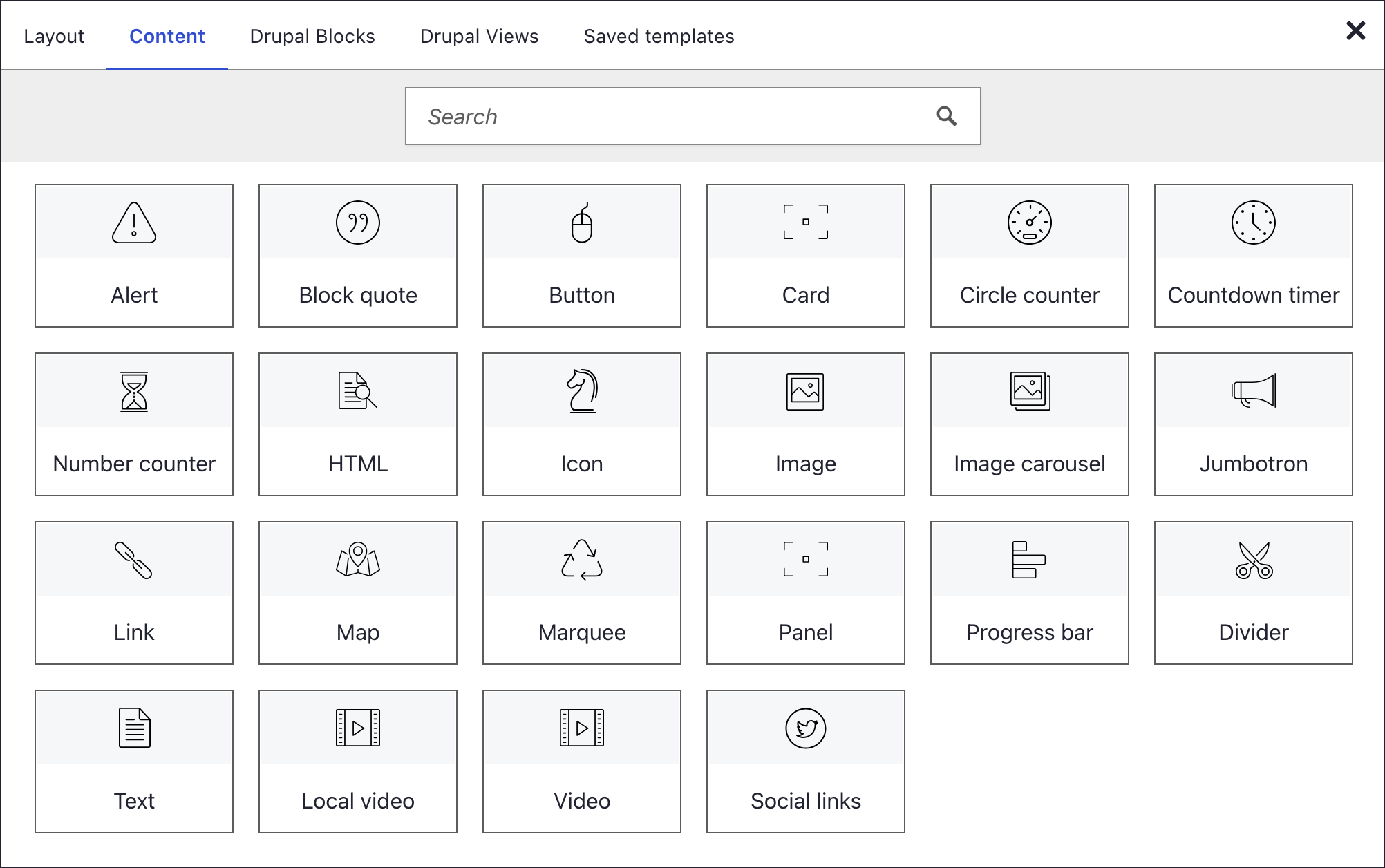
Adding an element
- Click + on any container
- The element picker opens
- Browse the Content tab or search
- Click an element to insert it
Element settings
Every content element has a settings dialog with the panels General, Animation, Style and Hover style. Some add a panel of their own, such as SEO on images. See element settings for details.
What's next?
Styling and layout options to continue exploring DXPR Builder.