
What is Drupal? A plain-English guide

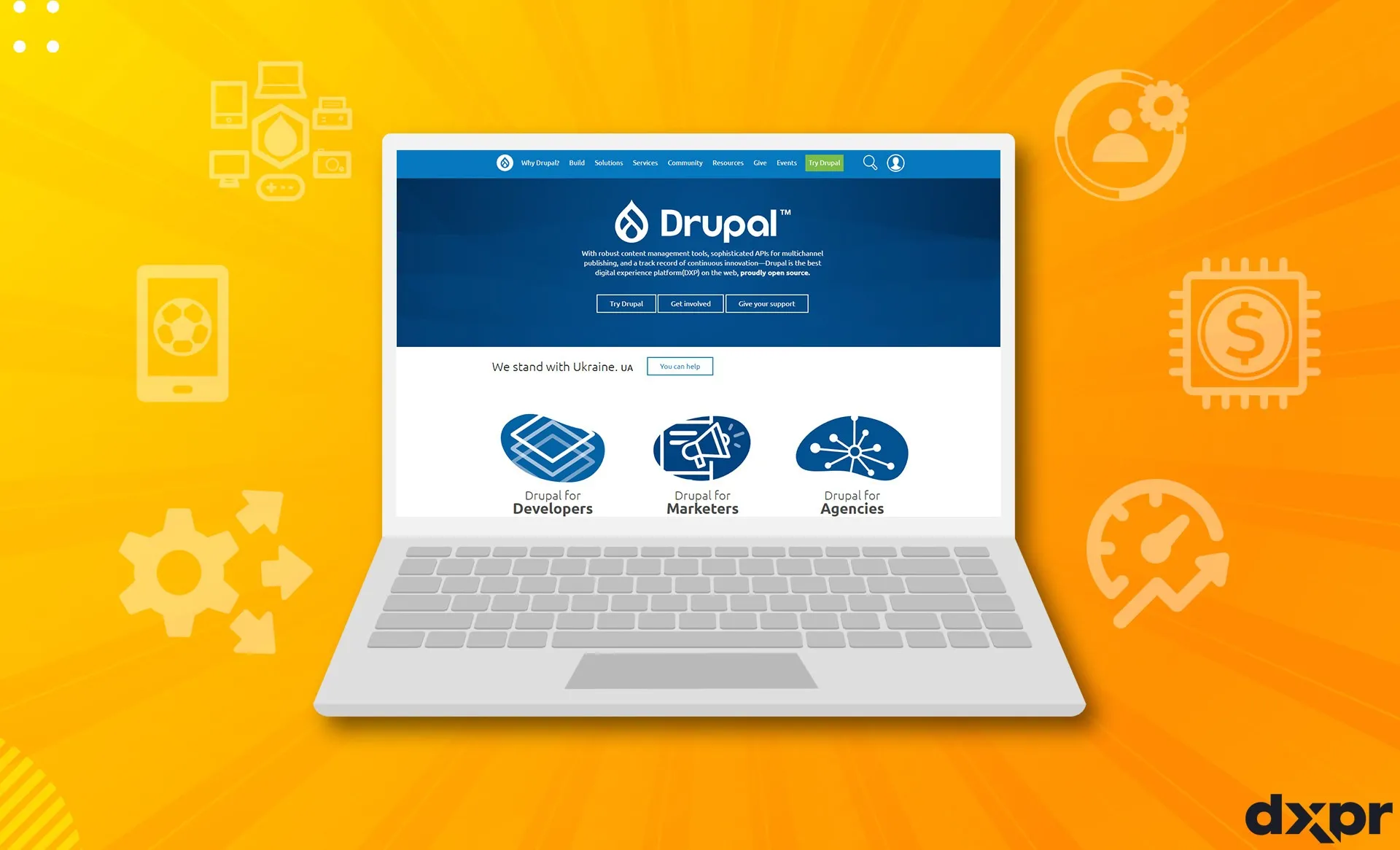
Drupal is free, open source content management software for building websites and web applications. It stores content as structured data, controls who may edit and publish it through roles and permissions, supports multilingual sites, and is released under the GNU General Public License. A worldwide community maintains it, and a security team publishes advisories for it.
In short: Drupal is free, open source software for building content-heavy websites. You pay for hosting, development and upkeep, not for a license. Drupal CMS is a ready-made starting point built on Drupal 11.
What sets Drupal apart
Drupal.org calls Drupal open source content management software. The Drupal User Guide describes it as a flexible, modular content management system built on the LAMP stack. The base download is called core. It contains the PHP code for basic CMS functions plus a few optional modules and themes. You add features with modules and change the look with themes.
Five traits set it apart:
- Structured content. Content is stored as items made of separate fields. A "recipe page" can require an ingredient list, a photo and a cooking time, and every recipe then has the same predictable shape.
- Multilingual support in core. Core modules translate the interface, site configuration and content. Each field can be marked translatable or not.
- Access control. Every action sits behind a permission, and permissions are grouped into roles such as content editor or user manager.
- Editorial workflows. The Workflows and Content Moderation modules in core let you define states beyond published and unpublished, and assign who may move content between them.
- A security process. The Drupal Security Team publishes advisories for core and for contributed projects whose maintainers opted in.
What Drupal is used for
Drupal fits sites where many people publish a lot of structured content, often in several languages. Drupal.org describes it as the software behind many of the websites and applications people use every day. Typical jobs are corporate and marketing sites, university and hospital department sites, government portals and media publishing.
It can also work "headless". The JSON:API module is part of core and exposes a site's entities through the JSON:API specification, so a separate front end or app can read and write the same content.
Who uses Drupal
Drupal.org lists government agencies, media companies, universities and organizations such as Amnesty International among its users, and names the BBC, NBC and MTV UK as media examples. Our post Drupal website examples profiles more. It describes the European Commission as a site with 24 language editions and boston.gov as a city portal published in nine languages. It also covers georgia.gov, unicef.org (five languages, including right-to-left Arabic) and a set of company, university and public-health sites.
NASA and Drupal: what is true today
NASA is often cited as a Drupal site. That was accurate for a time. A Drupal.org case study dated May 25, 2018 says a team at Mobomo migrated nasa.gov to the AWS cloud and onto Drupal, and relaunched the site with its subdomains in 13 weeks.
At the time of writing, in October 2026, the page source of nasa.gov names WordPress as the software that generates the page, and so does science.nasa.gov. The main NASA site therefore no longer appears to run on Drupal. This guide makes no claim about any other NASA site.
Is Drupal free and open source?
Yes to both. Drupal.org states that the software is released under the GNU General Public License, version 2 or later, and that it carries no license fee. The GPL lets you download, modify and redistribute the code, which is what free and open source software means. The name Drupal is a registered trademark of Dries Buytaert; the trademark is separate from the software license.
Free software is not free to run. Plan for:
- Hosting with PHP and a database. The user guide lists Apache or Nginx with MySQL, MariaDB, PostgreSQL or SQLite.
- Design and development work, whether in-house or by an agency.
- Ongoing maintenance, including security updates.
- Optional commercial extensions, which are a separate purchase.
What Drupal CMS is
Drupal CMS is a ready-to-use product built on Drupal 11 core for marketing teams, content creators and site builders. Drupal project lead Dries Buytaert announced version 1.0 on January 15, 2025, Drupal's 24th birthday. It launched with nearly 30 recipes: bundles that install modules, create content types and apply configuration for a feature such as a blog or events. Its built-in tools include SEO, media management, consent management, analytics, search and automatic updates.
Drupal CMS 2.0.0, released on January 28, 2026, made Drupal Canvas the default editing experience, with drag-and-drop editing and live preview. It also added the Mercury component library, a first site template called Byte, and optional AI features. The latest release at the time of writing is 2.2.7, from October 23, 2026. Drupal CMS is licensed GPL-2.0-or-later and has the same system requirements as core.
The two are not rivals. Drupal.org positions core for advanced users and developers who want to start from scratch, and recommends Drupal CMS for most websites. Both are Drupal underneath.
Drupal versions in October 2026
- Drupal 11: The first release, 11.0.0, came out on August 2, 2024. The current stable release is 11.4.11, from October 21, 2026.
- Drupal 10: The last release line is 10.6, currently 10.6.20. Drupal 10 reaches end of life on December 9, 2026.
- Drupal 12: 12.0.0-beta2 is out. The release schedule plans 12.0.0 for the week of December 7, 2026. Betas are not meant for production sites.
- Drupal 7: Reached end of life on January 5, 2025.
Drupal 11 needs PHP 8.3 or a later PHP 8 release.
How Drupal compares with other approaches
We do not rank CMSs by market share here. A fair comparison starts with questions you can ask of any platform. This table gives Drupal core's answer to each, with no add-ons.
| Question | What Drupal core offers |
|---|---|
| Can I define my own content structure? | Yes. You create content types and add fields in the admin interface. |
| Can I publish in several languages? | Yes. Core has modules for interface, configuration and content translation. |
| Can I limit who edits what? | Yes. Permissions are grouped into roles, and anonymous and authenticated visitors have their own roles. |
| Can I require review before publishing? | Yes. Workflows and Content Moderation add states and transitions tied to roles. |
| Can another app read my content? | Yes. The JSON:API module ships with core. |
| What does the software cost? | Nothing. It is released under the GPL. |
| Who handles security reports? | The Drupal Security Team, for core and for covered contributed projects. |
Ask the same questions of a hosted site builder or another open source CMS, and compare the answers against your own content, team size and budget. Our comparison pages do this for page-building tools on Drupal.
Key Drupal concepts in plain words
Developers and editors use a shared vocabulary. These are the words you will meet first; our Drupal glossary explains more than 150 of them.
- An entity is one item of data, such as a page, a user or a tag. A node is the entity behind a content item.
- A content type is a kind of content item, such as a basic page or a recipe. Its fields hold the individual pieces of data.
- Taxonomy classifies content with vocabularies and terms, for example an Ingredients vocabulary with the terms Carrots and Tomatoes.
- A role groups permissions, so you grant rights by job instead of person by person.
- Blocks are pieces of content placed in regions of a page, and Views builds listings from your content without code.
- Localization covers translating the interface, configuration and content.
- Workflows and content moderation control the states content moves through before it is published.
- Configuration management lets you sync site settings between environments, and contributed modules and themes add features from the community.
- Composer and Drush are the command-line tools developers use to install and update a site.
How to get started with Drupal
You have two common routes. For a quick look at the finished product, install Drupal CMS: its README recommends DDEV and the command ddev launch. To learn Drupal itself, install core with Composer, using the drupal/recommended-project template. Our guide Installing Drupal 11 with Composer walks through it.
Then follow the order of the Drupal User Guide:
- Set the site information and install any modules you need.
- Create basic pages, set a front page and build a menu.
- Define content types and fields, then add taxonomy.
- Create user roles and assign permissions.
- Place blocks in regions and build listings with Views.
- Add languages if the site needs them.
- Learn how to apply security updates.
When Drupal is more than you need
Drupal asks for a host with PHP and a database, and for regular security updates. It pays back when you have structured content, several editors, several languages or review steps. A one-page site, with one author and content that rarely changes, uses little of that and may be simpler on a hosted site builder.
Drupal.org itself says core suits advanced users and developers, while Drupal CMS is recommended for most websites. If you are unsure, start with Drupal CMS.
How DXPR fits
DXPR builds on Drupal; it does not replace it. All of this comes from our product pages.
- DXPR Builder is a visual page builder for Drupal 10 and Drupal 11. It needs no core patches, works with any theme and installs with Composer. It stores pages as Bootstrap HTML in Drupal fields. The Personal plan is free for small websites, with no card and no time limit.
- DXPR Theme is a free, open source GPL theme on Drupal.org, built on Bootstrap 5 for Drupal 11, with over 200 theme settings.
- DXPR CMS is a Drupal distribution that combines Drupal, DXPR Builder and DXPR Theme, curated and maintained by DXPR. It is separate from Drupal CMS, the Drupal project's own product described above.
See pricing for the plans. Our comparison pages set DXPR Builder next to Gutenberg, Paragraphs, Acquia Site Studio, Layout Builder and Drupal Canvas. If you are on an older platform, Drupal migration consulting covers moves from Drupal 7, 8, 9 and 10 to Drupal 11, and from WordPress, Joomla, SharePoint, Liferay and Sitecore to Drupal.
Sources
- Drupal.org: About Drupal
- Drupal.org: Drupal core project page and releases
- Drupal.org: Core release cycles and schedule
- Drupal.org: Licensing
- Drupal.org: Drupal 11.0.0 release notes
- Drupal.org: Security advisory policy
- Drupal.org: Drupal CMS
- Drupal.org: Drupal CMS project page
- Drupal.org: Drupal CMS 2.0.0 release notes
- Drupal CMS 2.2.7 composer.json, Drupal GitLab
- Drupal CMS README, Drupal GitLab
- Dries Buytaert: Drupal CMS 1.0 released
- Drupal.org: NASA.gov case study
- Drupal User Guide: Understanding Drupal
- Drupal User Guide: Content entities and fields
- Drupal User Guide: Users, roles and permissions
- Drupal User Guide: Editorial workflow
- Drupal User Guide: Language concepts
- Drupal User Guide: Server requirements
- Drupal User Guide: Table of contents
- Drupal.org: JSON:API module
- DXPR: Drupal website examples