
Drupal, at home in every language.
DXPR Builder is a proven multilingual and right-to-left page builder for Drupal. Give every language its own content and layout, with the translation and publishing workflow your team already knows.
One website.
Many ways to feel at home.
Drupal website localization includes the whole experience. A German headline needs room to grow. Arabic reads from the right. A regional campaign needs its own images and sections. With DXPR Builder, local editors can adapt the whole page to their audience.
A multilingual Drupal workflow your team already knows.
DXPR Builder works with Drupal’s content translation system. Open a language version, edit its page visually and save it back to Drupal. Here’s how a regional team can take an existing campaign page from translation to publication.
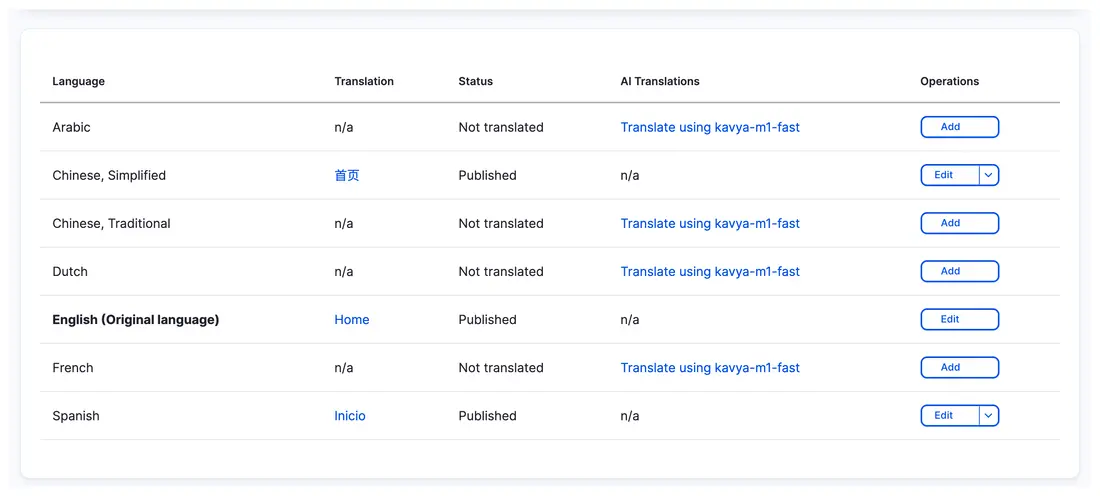
Actual DXPR CMS interface: language versions of the same Drupal page, with their own translation status and editing actions.
1. Create the version
Open the campaign’s Translate tab and add a language enabled on your site. Drupal keeps the new edition connected to the original content.
2. Adapt the page
Edit the language version visually. Adjust copy, images and layout for the market. Each translation has its own DXPR Builder content, so local changes can stay local.
3. Review in context
Have a local reviewer check terminology, links, line breaks and reading direction. Use the review steps and permissions configured on your Drupal site.
4. Publish locally
Publish the language version through your existing Drupal workflow. Return to that edition when local details or campaign content need updating.
A multilingual page builder.
Ready for real work.
Your languages belong in the everyday editing experience. DXPR Builder brings visual page building to Drupal’s native translations, including right-to-left content.
A layout for each language
Keep a common starting point, then adapt each edition. Add a local testimonial, reorder a campaign section or change the imagery without forcing the same changes on every language.
Right-to-left page building
Build Arabic and Hebrew pages visually. Direction-aware DXPR Builder components support RTL layouts, so your team can review the content in its intended reading direction.
Native Drupal translations
Keep language editions connected to the original Drupal content. Editors use Drupal’s Translate tab and save through the site’s existing permissions and publishing workflow.
Choosing between DXPR Builder and Drupal Canvas?
Ask whether local teams can change the page structure as well as the words.
DXPR Builder
Each language version has its own editable content and layout. Use Drupal’s native content translation workflow to open an edition, then build and refine it visually.
Drupal Canvas
Canvas’s documented translation workflow keeps the same component structure across languages. Translation editing requires an additional interface, such as TMGMT or the experimental Canvas Translate module.
Canvas comparison checked 23 September 2026 against its translation guide. The comparison covers the documented workflow; contributed extensions can add other approaches.
European roots.
A multilingual outlook.
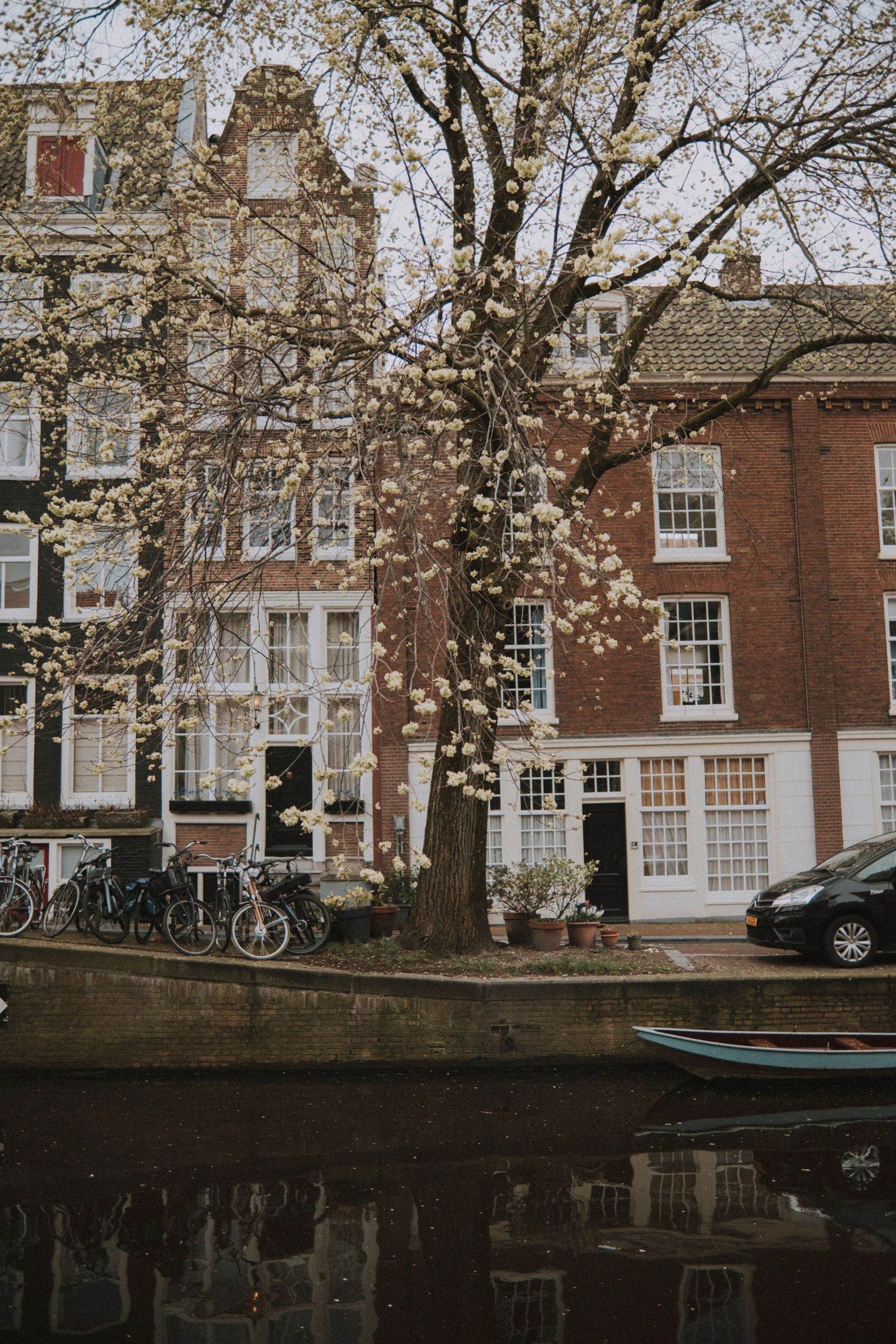
Based in Utrecht, we build in a part of the world where a short journey can mean a different language, a different culture and a different way of communicating.
That perspective shapes DXPR. Multilingual publishing belongs in the everyday editing experience, from the first draft to the smallest form label.
Our team brings decades of combined Drupal experience to the practical questions: how translations are stored, who can edit them, and how local teams publish with confidence.
Plan your
multilingual rollout.
Yes. DXPR Builder uses Drupal’s field-level content translations. Your administrator enables translation for the content type and the text field used by DXPR Builder. Editors then open the appropriate language version through Drupal’s Translate tab.
No. Your team can write and edit translations directly. AI assistance is optional. When you use it, a local reviewer should check terminology, meaning, links and the finished page before publication.
Yes. DXPR Builder supports right-to-left page content and includes direction-aware components. Your site’s theme and custom components also need to support RTL. Review the complete page, including menus and forms, in each target language.
Yes. Each translation has its own DXPR Builder content. Keep the same layout where it works, or adapt sections, imagery and page structure for a particular market. Drupal keeps the language versions associated with the same content item.
We start with your existing Drupal roles, translation setup and publishing workflow. Bring your web team into the conversation so we can review the specific moderation, access-control and translation modules you use together.
Coordinating changes across language versions? Explore Drupal Agent Skills for content and site management.
Make your next market feel at home.
Bring your languages, your local teams and your Drupal workflow. Let’s put them to work together.